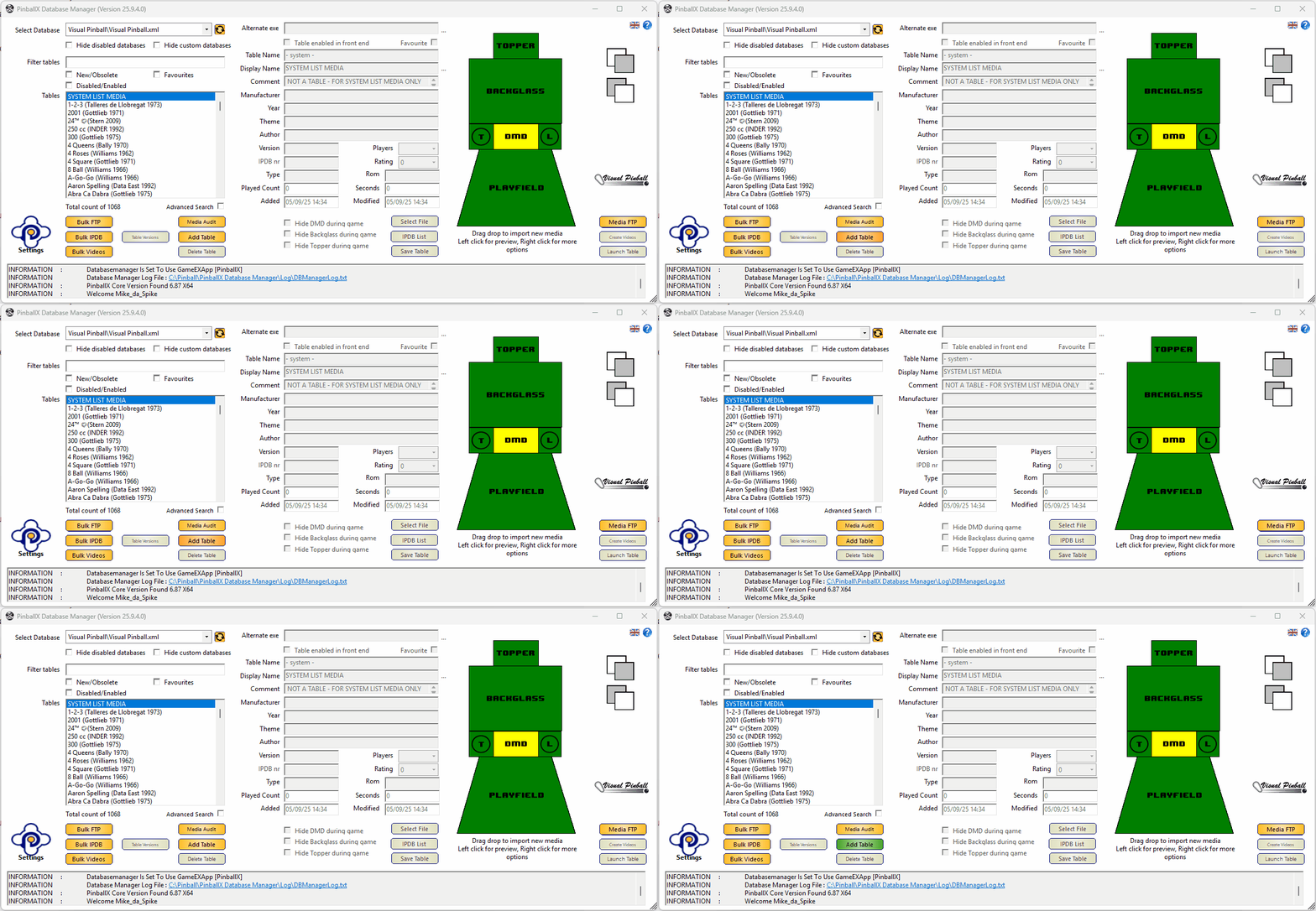
in DatabaseManager, tables form the backbone of your data structure.
There are multiple ways to add new tables to your database files.
- Automatically add tables via Settings ‘Show dialog ‘New tables add’’ (see Settings: General). Only applicable for Virtual Pinball. Future Pinball and Zen Pinball FX3
Set this to No and set the settings to ‘Always Add’
You will never miss a table, but much check every time if tables are added and you miss media for it - Semi-automatically add tables via ‘Show dialog ‘New tables add’’ (see Settings: General)). Only applicable for Virtual Pinball. Future Pinball and Zen Pinball FX3
- Set this option to Yes to be notified
- When the system is refreshed you will be notified that there are new tables found :
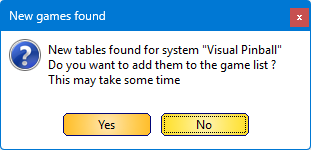
Click on Yes to add the newly found tables
- Manually add tables via the ‘Add Table’ button
- Drag and drop one or multiple tables file to the ‘Add Table’ button or the Tables list