As mentioned earlier, IPDB information is used to assign the correct Display Name to each table. Although this data is typically added automatically, there may be cases where the information is missing or incorrect.
In such cases, you can manually set the Display Name for each table.

¶ NOTE :
The IPDB list provided by the Database Manager is updated annually. It includes verified table references and metadata.
Tables created by authors that do not correspond to a real-world table are added via the VPS-DB system and marked as ‘Original’.
- If your device is connected to the internet, the VPS-DB file is automatically downloaded every 3 days.
- If your device is offline, refer to the section ‘Table Versions’ for manual update instructions.
 |
During import of table ‘AC-DC_Premium-1.5.vpx’, the IPDB match didn’t found any matches on this file name |
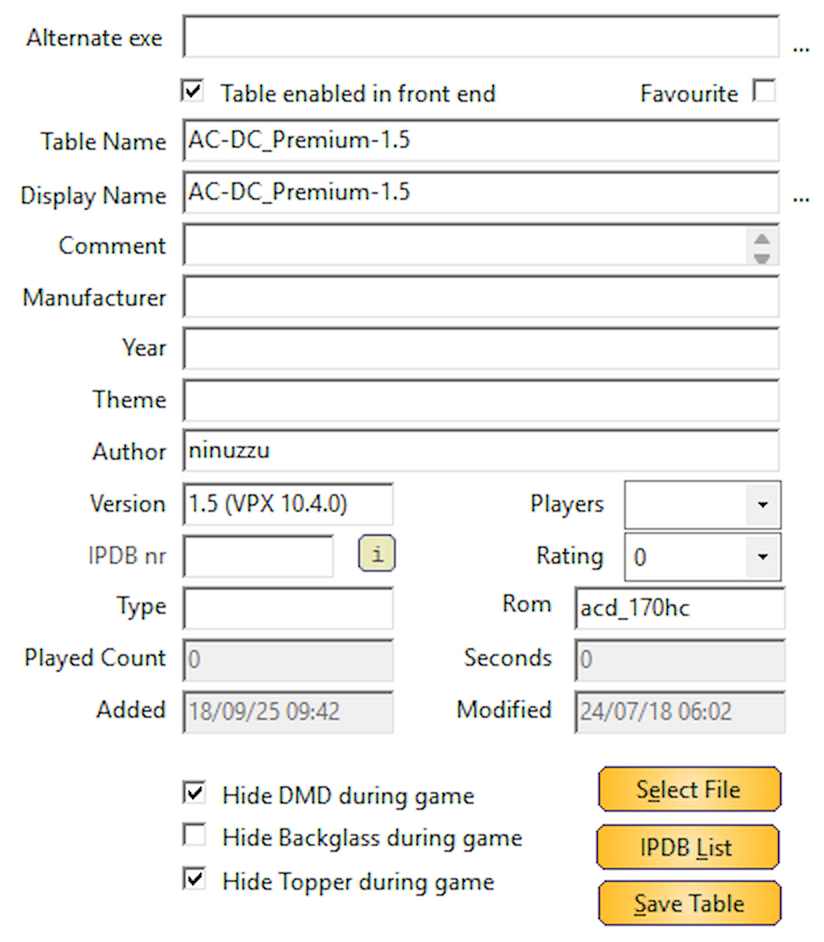 |
This results that the Display Name is the same as the Table Name (File Name) |
 |
IPDB LIST Click on the ‘IPDB List’ to open the IPDB dialog |
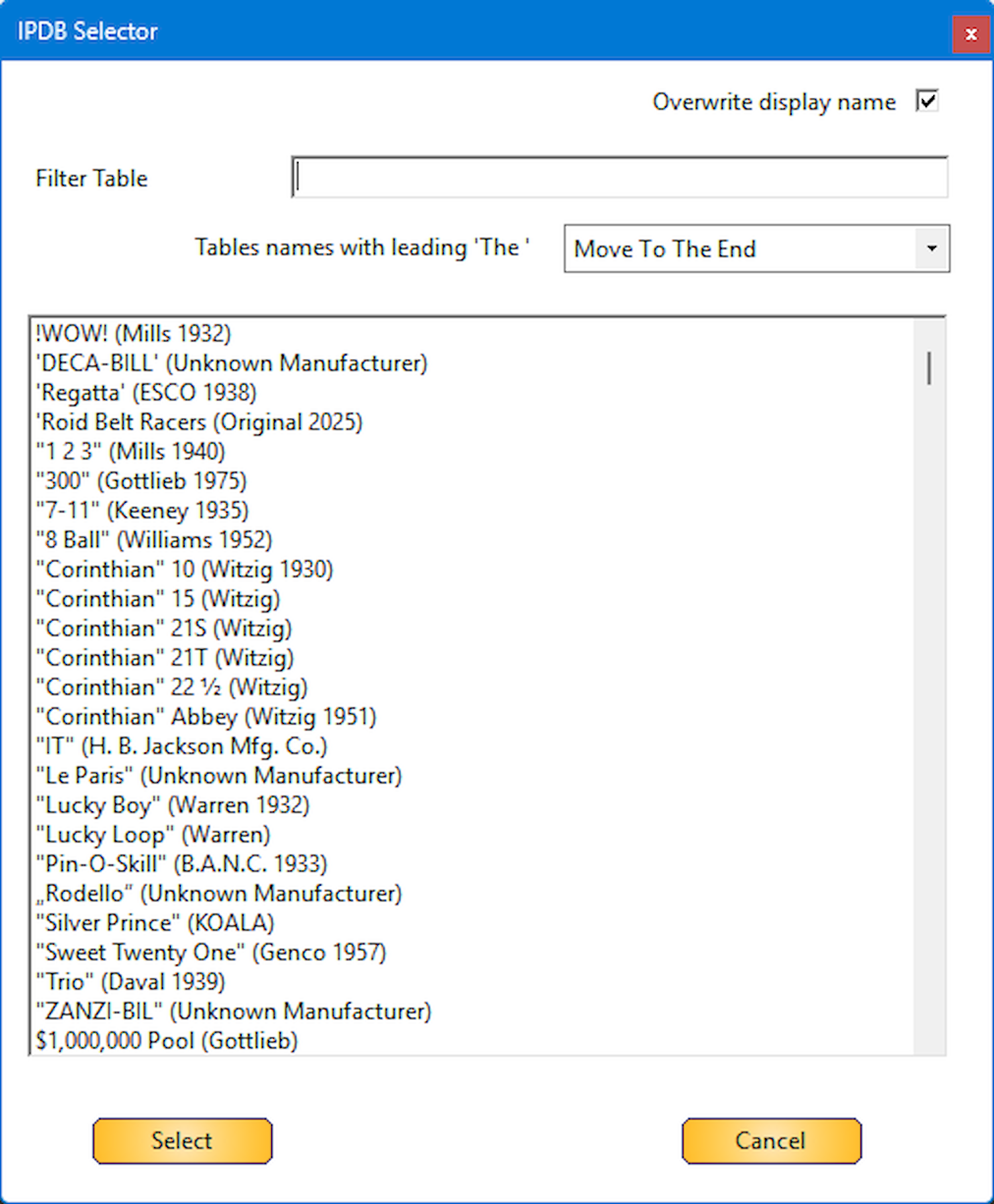 |
This will show you the complete list of IPDB entries with the merged ‘Original’ tables from VPS-DB |
 |
Filter Table Type your keyword(s) to filter the list in the ‘Filter Table’ If you use multiple keywords to search, the order doesn’t matter |
 |
Overwrite display name By default, this checkbox is unchecked when you first launch Database Manager. |
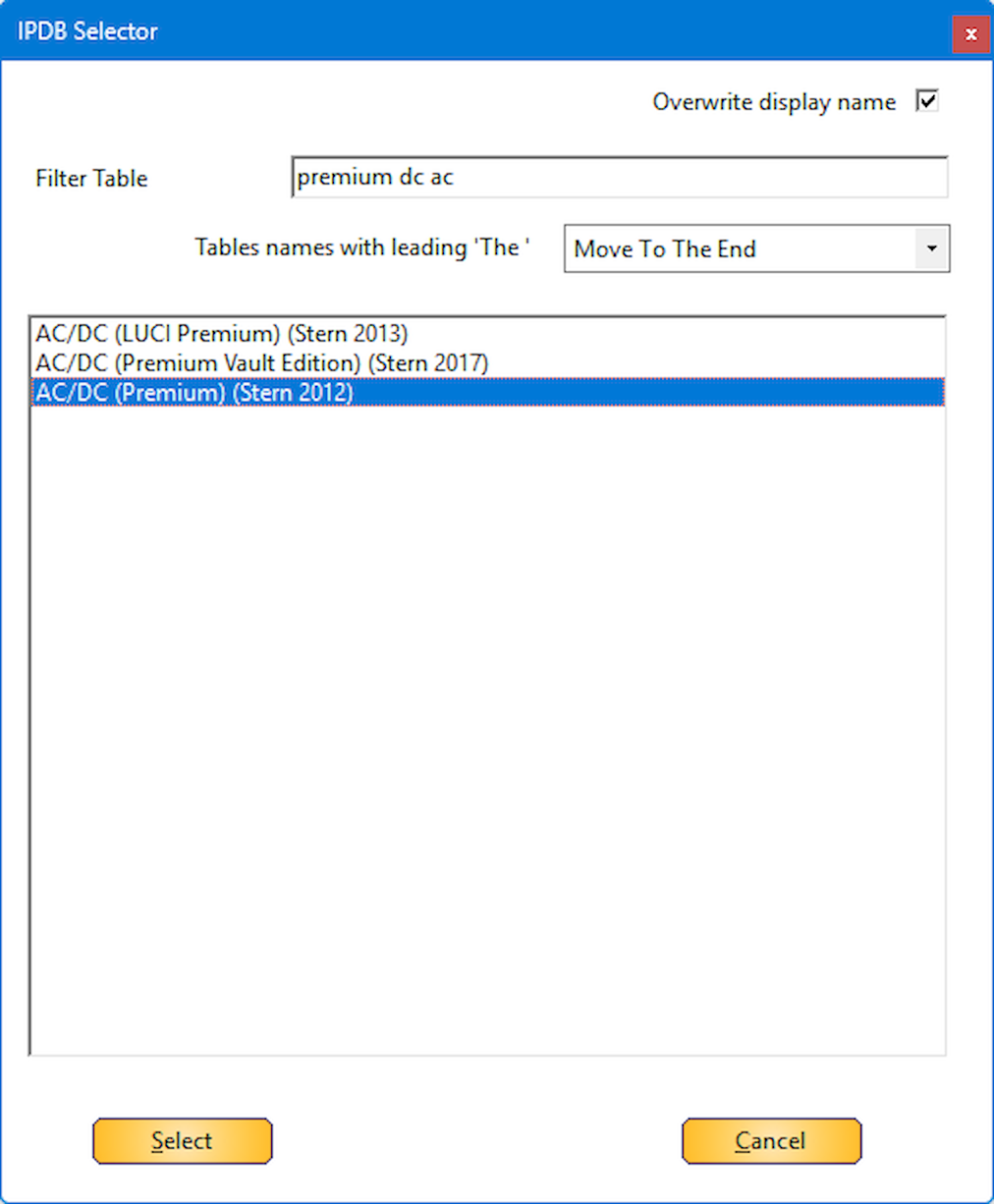 |
When ‘Overwrite display name’ is selected, and your correct entry from IPDB, click on the ‘Select’ button to add the data to your table entry. The Addams Family (Bally 1992) Addams Family, The (Bally 1992) |
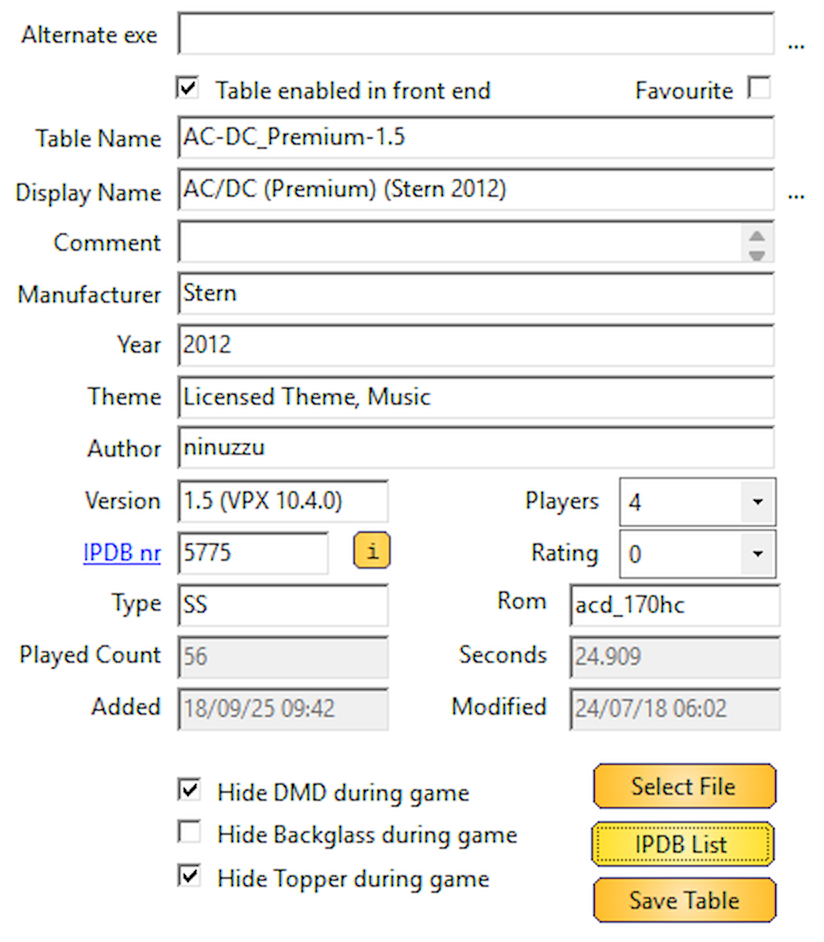 |
As you can see, the display name, manufacturer, year, players, Type and IPDB number are filled in automatically |
 |
Click ‘Save Table’ to save your entries to the database file. |