Download the PinballX_Database_Manager_Vxx_xx_xx.x.zip from the official GameEx website: https://forums.gameex.com/forums/files/file/2499-pinballx-database-manager/
Here you can download the latest version, or switch to any previous versions
Note: The version number of the database manager will be Year.Month.Day.Minor version. The date will be in two digits, and the minor version is one digit. So, a normal release on June 24, 2022, will be V22.06.24.0.
And a bug fix on the same data that was released on the 24th of June 2022 can be V22.06.24.1
Only download the latest DBM version from the official website !
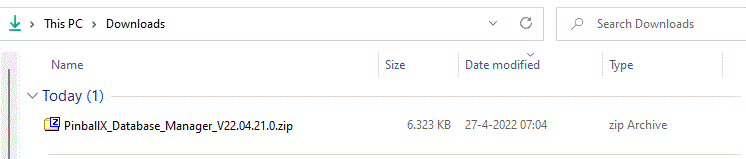 |
Double click PinballX_Database_Manager_Vxx_xx_xx.x.zip file to open the archive. Windows versions should automatically open this type of archive. 7-Zip is a file archiver with a high compression ratio. it can be downloaded from https://www.7-zip.org/ |
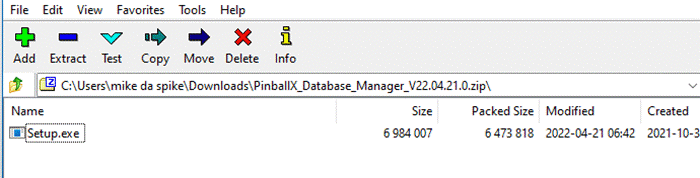 |
In the zip archive double click Setup.exe or launch the setup. |
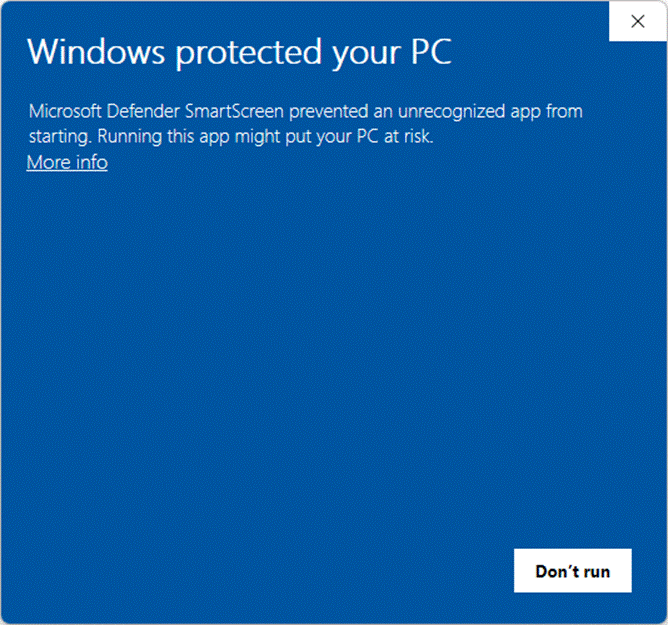 |
As the software is a hobby project, we don’t have a formal programming certificate, that will sign (and trust) the software. If you receive this box, Click on More Info |
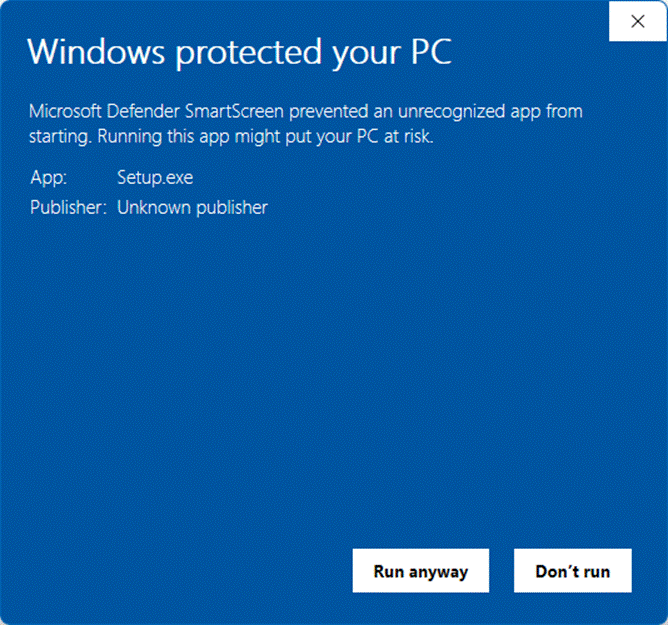 |
Now you can click on Run Anyway. |
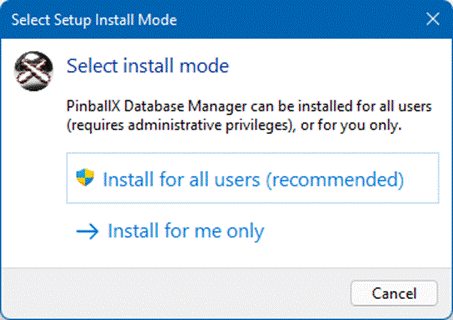 |
You can select to install the program for all users that can use the PC (UAC needed), or only for this user For documentation, I use the Install For all Users option |
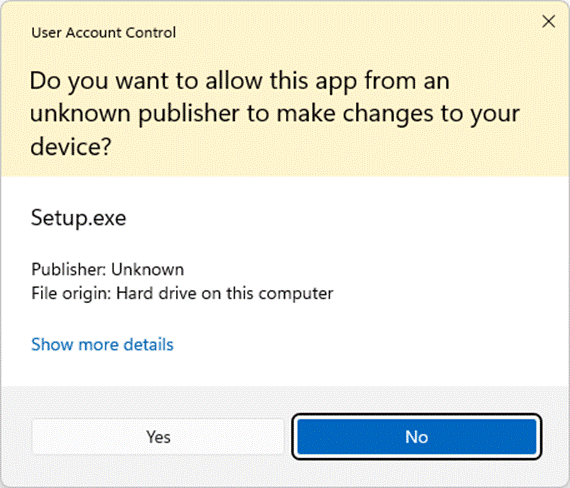 |
Optional, if you got UAC (user account control) enabled, you must click Yes to continue |
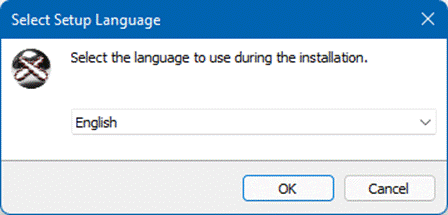 |
This is the language for the installer. You can change the language and next time you run the installer, that language will be the default. |
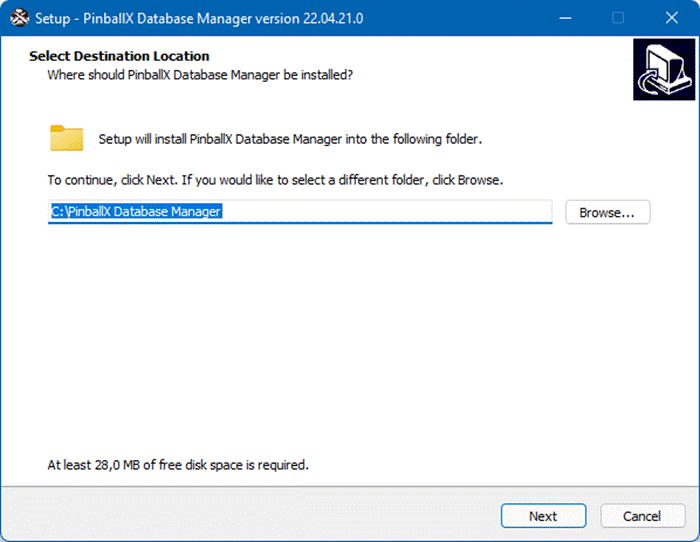 |
Select your drive/folder where you want to install Database manager to. NOTE: Do not use Program Files or Program Files(x86) Default will create a sub folder on c:\. I prefer to have all programs for my pinball within C:\Pinball (easier for backup tasks) |
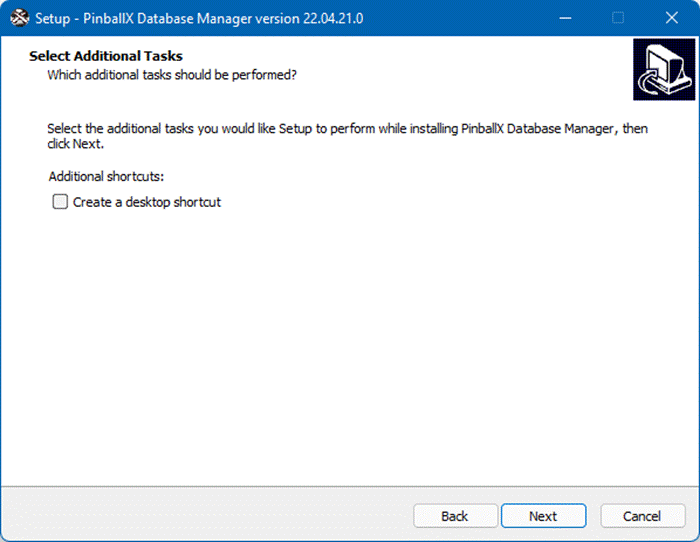 |
Check the Create a desktop shortcut to create a desktop shortcut. Default is unchecked |
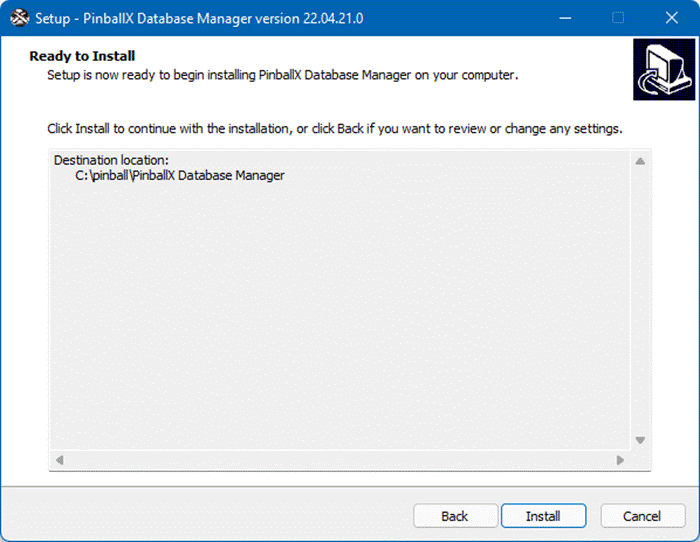 |
Click Install to start the installation |
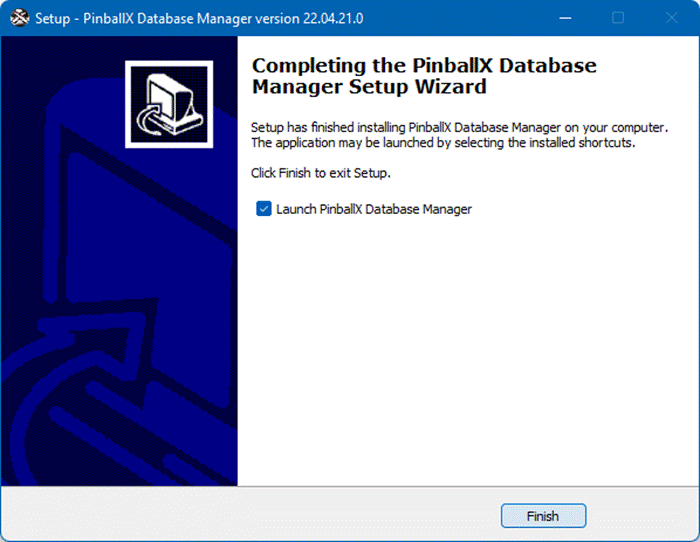 |
The installation process will be quick. When install in finished , you can launch Database Manager when you checked the checkbox and click Finish Uncheck the checkbox and click Finish to close the installation |