It could happen that the creators of Database Manager creates a feature that is not fully tested and that you want to install a previous version of Database manager.
From the official download page of Database Manager you are able to download previous versions as well
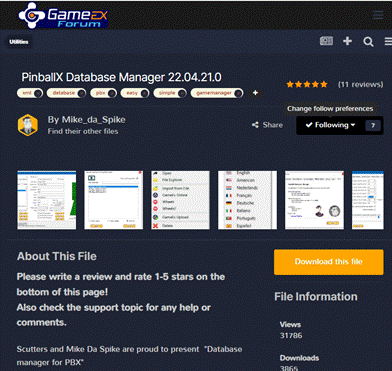 |
Go to the download page of PinballX Database manager |
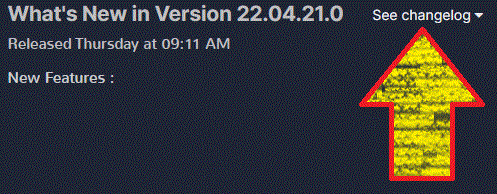 |
Click on the “See changelog” select box |
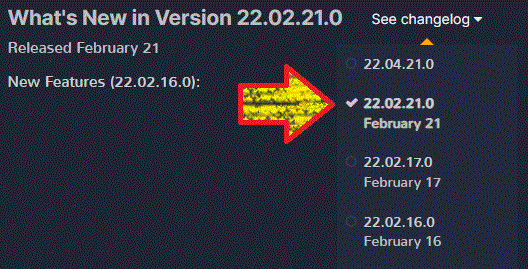 |
In the pull down menu, select the version you want to download |
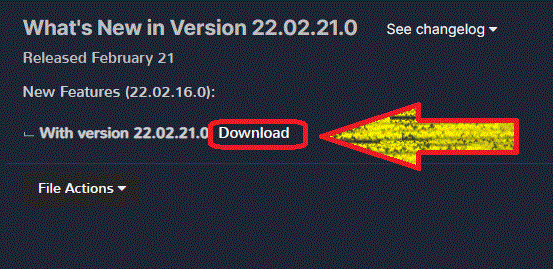 |
Click on the Download button, next to the version you just selected |
After downloading a previous version, proceed the same steps if you should do an upgrade.
Note: Be aware that going back version, could cause that some entries will not be saved in the settings file (PinballXDatabaseManager.ini) or even could loose some fields in your database file. You can always make a copy of these files